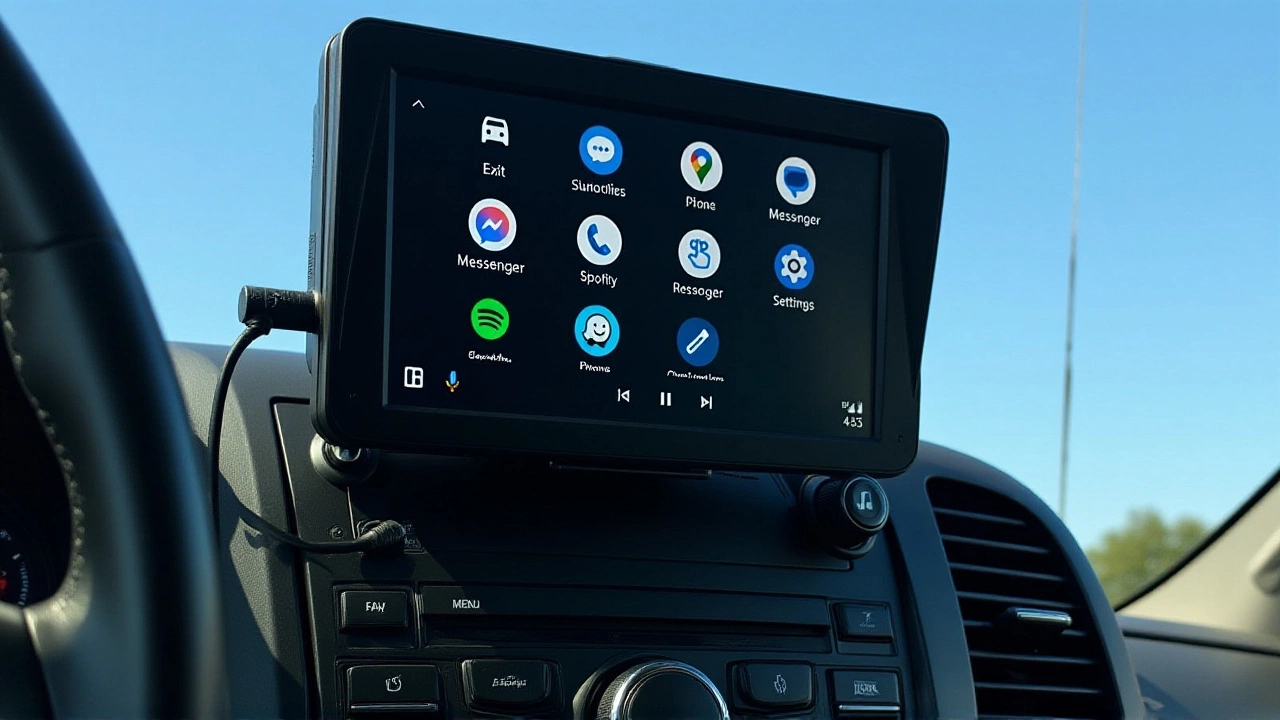
When Google announced its biggest overhaul of Android Auto this year, it wasn't just about better maps. The tech giant is fundamentally changing how we interact with our cars, bringing full-screen video playback, deeper Gemini AI integration, and a completely redesigned interface to millions of vehicles worldwide.
The announcement came during The Android ShowMountain View, where Google revealed that these features would roll out throughout 2026. But here's the twist: this isn't just a phone projection update. It's a bridge between your smartphone and the increasingly smart dashboard sitting in front of you.
From Navigation to Entertainment Hub
For years, Android Auto has been strictly utilitarian—navigation, calls, music. Safety regulations kept videos off the screen while driving. Now, that's changing. According to reports from Car and Driver and Kelley Blue Book, drivers will soon be able to watch videos in crisp 60 frames per second HD directly on their car screens.
Think YouTube tutorials for DIY repairs while parked, or streaming HBO Max episodes during long road trips with passengers. The presenter at The Android Show emphasized that this capability arrives "for the first time," marking a significant shift in what automakers and regulators allow on infotainment systems. However, availability depends heavily on specific vehicle models, so not everyone will get this feature day one.
Audio quality gets a serious boost too. Google is integrating Dolby Atmos spatial audio into supported apps and cars. If you've ever heard Dolby Atmos in a cinema, you know it surrounds you with sound. In a car, that means your music feels like it's coming from everywhere at once, rather than just two speakers near your ears.
Gemini Takes the Wheel (Metaphorically)
The real game-changer might be artificial intelligence. Google states that Gemini is now available in more than 250 million cars supporting Android Auto. That’s a staggering number, indicating massive global adoption across countless makes and models.
But what does this mean for you? Instead of rigid voice commands, you can have natural conversations. Need directions to a coffee shop that also has Wi-Fi? Just ask. Want to brainstorm dinner ideas based on what's in your fridge? Gemini Live allows for continuous, back-and-forth dialogue without repeating "Hey Google" every time.
Users must set Gemini as their primary assistant on their Android phones to access these features. Once done, activation is simple: use the "Hey Google" hotword or press the steering wheel voice button. For complex tasks, saying "Hey Google, let's talk" activates Gemini Live mode, keeping the AI active until you end the conversation.
A Fresh Look Under the Hood
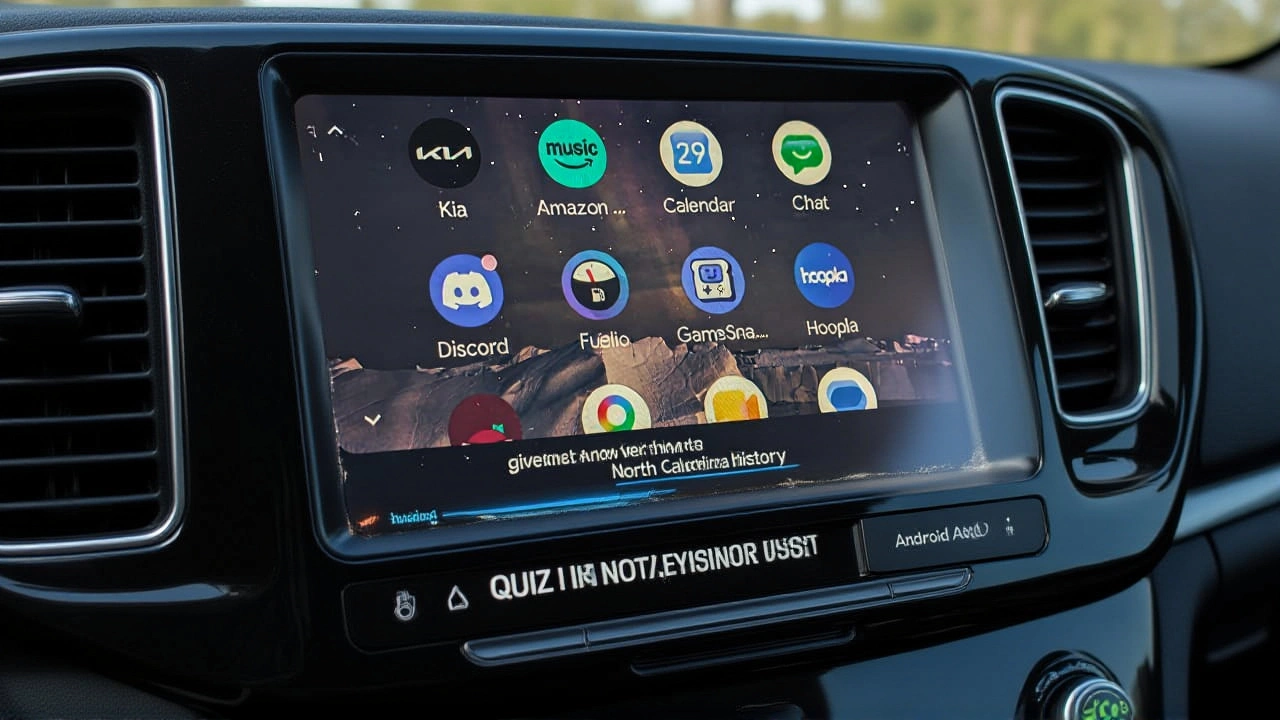
Beyond functionality, aesthetics matter. Kelley Blue Book notes that the 2026 update brings a "fresh design" inspired by the fluidity of modern smartphones. Expect expressive fonts, smooth animations, and customizable wallpapers. It’s an attempt to make the car screen feel less like a separate device and more like an extension of your phone.
This visual refresh ties into broader ecosystem strategies. Google Built-in software, which runs natively on over 100 car models from 16 brands, shares many of these updates. Apps like Spotify, HBO Max, and even Zoom are part of this expanding universe. While Android Auto mirrors your phone, Google Built-in operates independently, offering potentially faster performance and deeper integration with vehicle hardware.
Who Gets What, and When?
Here’s where it gets tricky. Rollouts are staggered. Features arriving "later this year" depend on your car manufacturer, region, and whether your vehicle supports wireless connectivity or requires a USB cable. Phones running Android 10 or higher don’t need the standalone Android Auto app anymore, simplifying setup for newer devices.
Compatibility checks remain crucial. You’ll need to verify both your vehicle and stereo against Google’s official lists. Wireless connections require Bluetooth pairing, while wired setups rely on USB. If Android Auto doesn’t start automatically within seconds, follow on-screen prompts—a small detail that often trips up frustrated users.
Frequently Asked Questions
Can I watch YouTube while driving with the new Android Auto update?
No, safety regulations prevent video playback while the vehicle is in motion. Video features like YouTube or HBO Max are designed for use when the car is parked or for passenger entertainment in supported configurations. Always check local laws regarding in-car media consumption.
Do I need a new car to get Gemini AI in Android Auto?
Not necessarily. If your current car supports Android Auto, you likely already have access to basic Gemini features. To unlock advanced capabilities like Gemini Live, ensure your phone runs a recent Android version and set Gemini as your primary assistant in settings. Over 250 million cars currently support some level of Gemini integration.
What is the difference between Android Auto and Google Built-in?
Android Auto projects your phone's interface onto your car's screen, relying on your phone's processing power. Google Built-in runs natively on the car's hardware, offering potentially smoother performance and direct app integration like Spotify or Zoom without needing a connected phone. Both platforms receive similar AI and design updates.
Will my older Android phone support the 2026 Android Auto update?
Phones running Android 10 or later do not require the standalone Android Auto app and should receive core updates automatically via system patches. Older devices may need the dedicated app downloaded from the Play Store. Compatibility ultimately depends on your specific phone model and carrier restrictions.
How do I enable Dolby Atmos audio in my car?
Dolby Atmos support requires compatible hardware in both your car's audio system and the specific app you're using (e.g., Spotify Premium). Check your vehicle's manual for Dolby Atmos certification and ensure your streaming app offers spatial audio tracks. Settings are usually found within the app's audio preferences.